
Download Flaticon – Vector Icons, Webfont, PNG, SVG
Overview
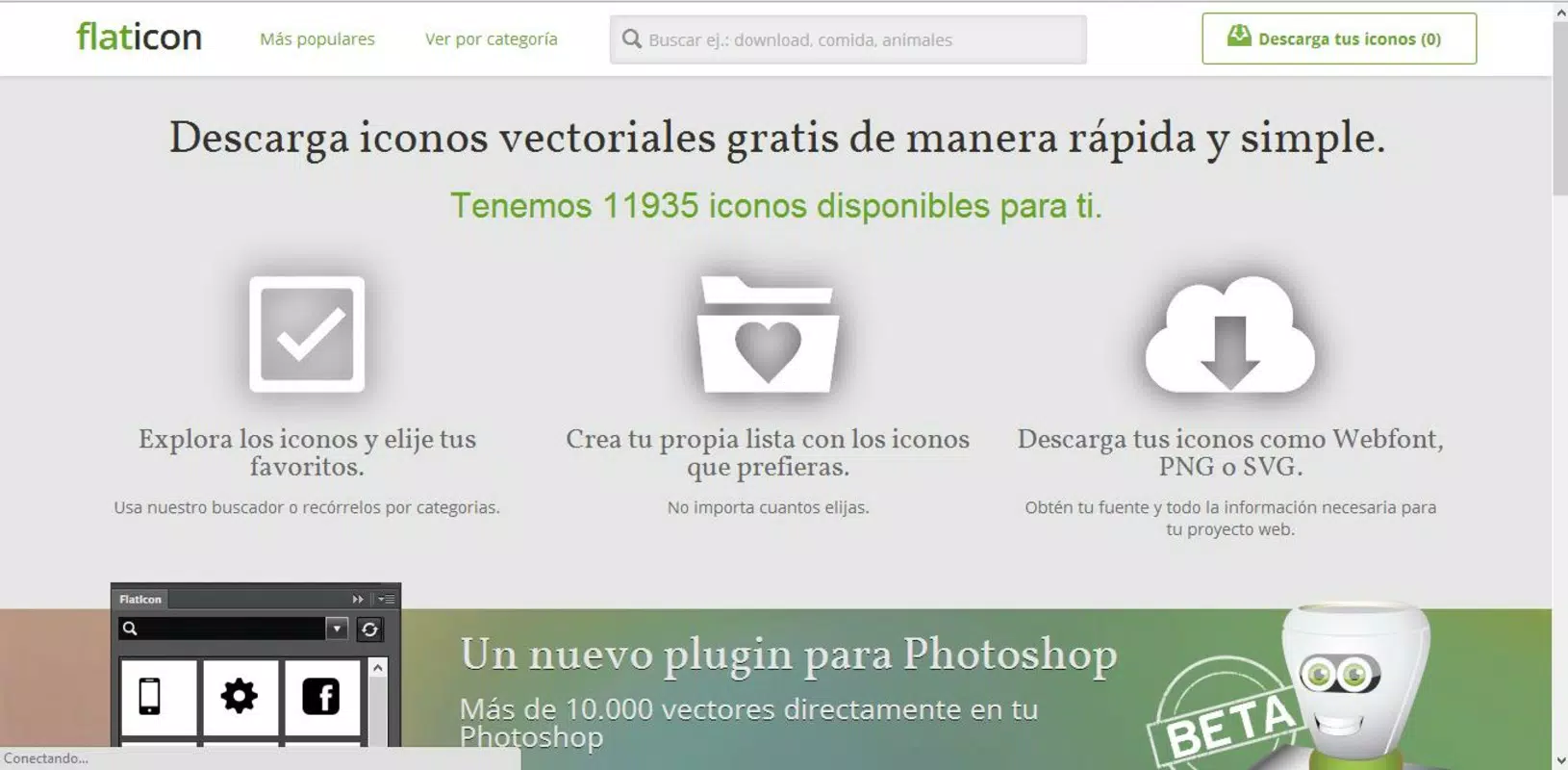
Flaticon is a mobile application designed to simplify the process of discovering, selecting, and downloading high-quality vector icons for digital projects. The app serves as a mobile extension of the popular web-based platform, enabling users to access a vast library of nearly 12,000 icons directly from their smartphones or tablets. Its primary purpose is to support designers, content creators, developers, and marketers in quickly finding visual assets that enhance the aesthetics and functionality of websites, blogs, presentations, and mobile interfaces. By offering a streamlined workflow, Flaticon helps users overcome the common challenge of sourcing consistent, scalable, and professionally crafted icons without the need for complex design tools.
The app targets a broad audience, including freelance designers, small business owners managing their digital presence, and students working on academic or creative projects. It is especially useful for individuals who require visual consistency across multiple platforms but lack the time or resources to create custom icons. The developer did not provide additional technical details about the app’s background or organizational structure, though the service is widely recognized in the design community. Real-world use cases include integrating icons into mobile app interfaces, enriching social media graphics, and enhancing website navigation elements. In the current app ecosystem, Flaticon fills a critical gap by offering a centralized, mobile-accessible tool for icon management, making it an essential utility for digital creators who prioritize efficiency and visual clarity.
Key Features & Functionality
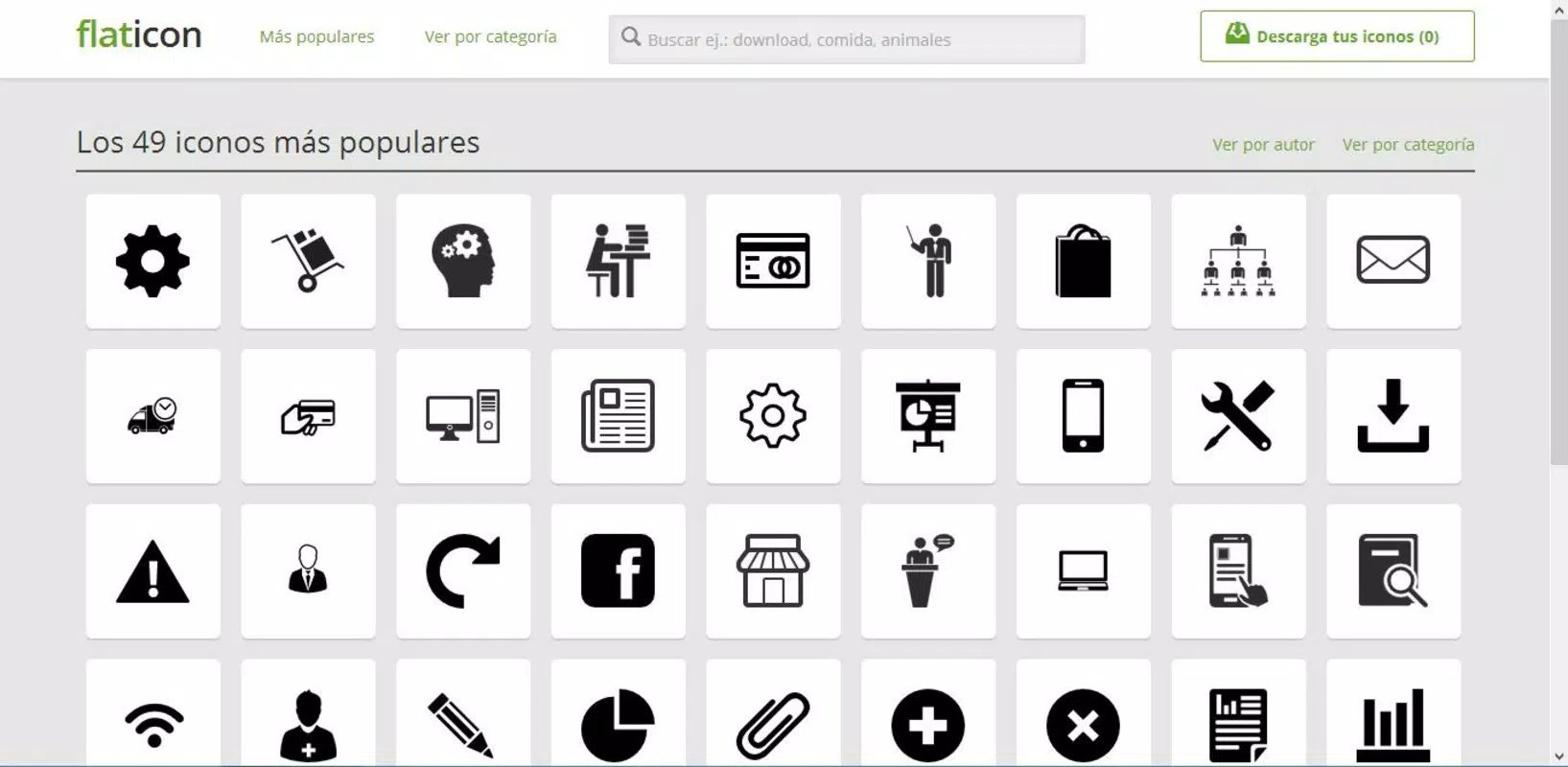
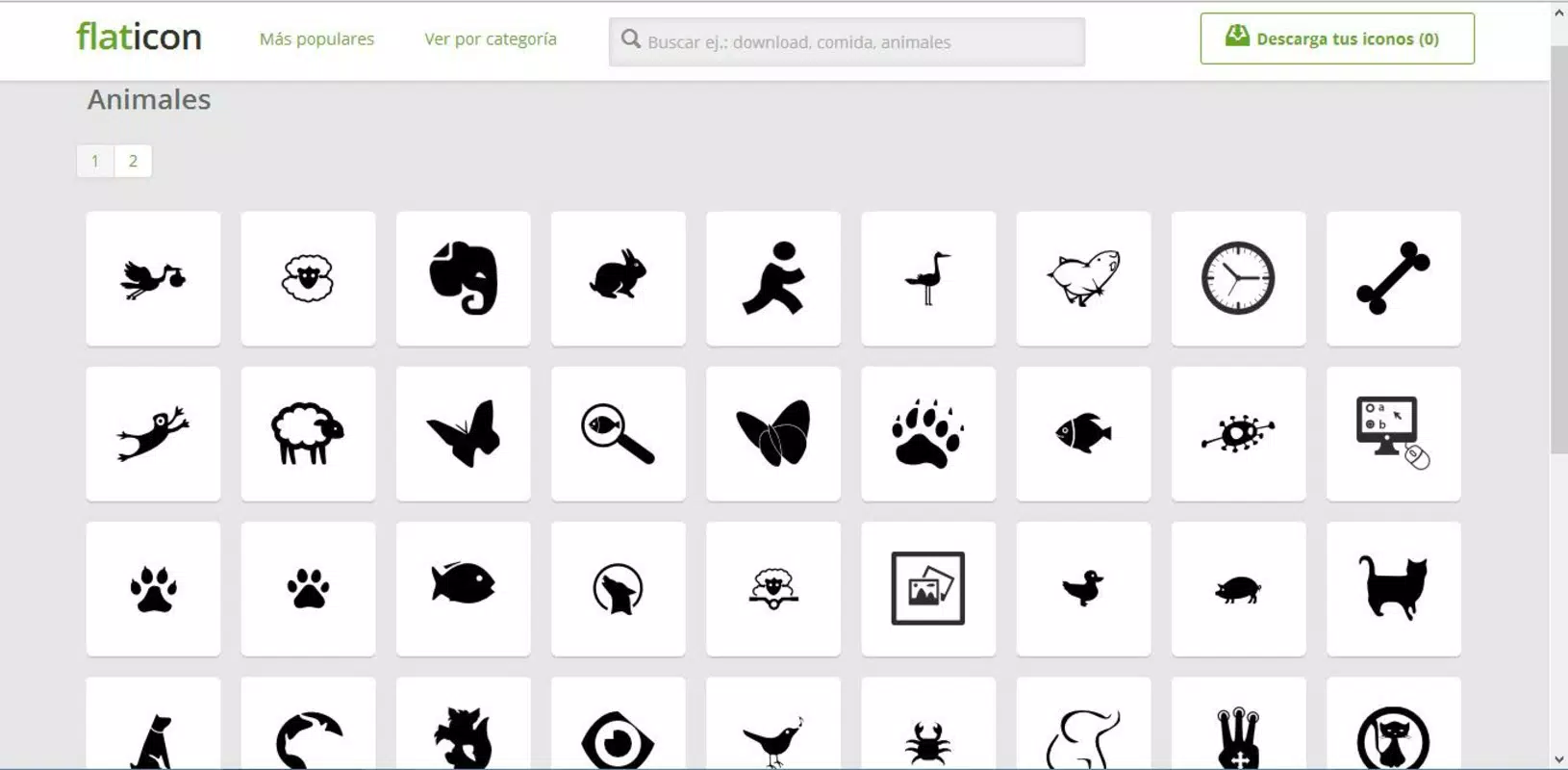
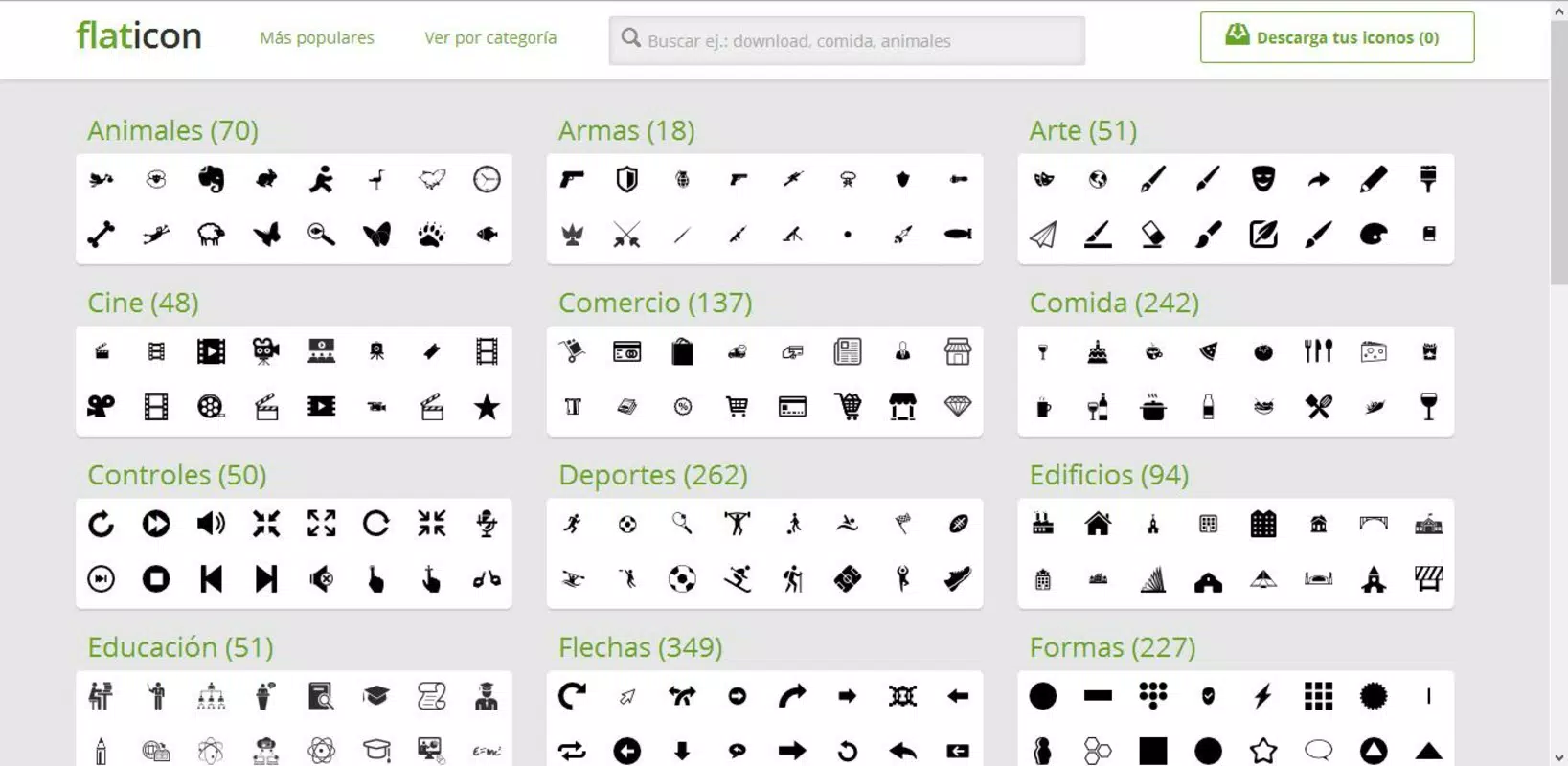
- Extensive Icon Library: The app provides access to a curated collection of nearly 12,000 vector icons, organized across diverse categories such as technology, business, health, and travel. Users can browse or search for icons based on relevance to their project, ensuring fast access to suitable visual elements.
- Multi-Format Export: Flaticon allows users to download icons in multiple formats, including Webfont, PNG, and SVG. This flexibility ensures compatibility with various design and development environments, from responsive web design to print materials.
- Integrated Search Engine: A powerful search function enables users to find icons by keyword or category. This feature reduces time spent browsing and improves precision when selecting icons that match specific project needs.
- Personal Favorites List: Users can save preferred icons to a custom favorites list for quick access in future projects. This functionality enhances workflow efficiency, particularly for recurring design tasks or branding elements.
- Seamless Photoshop Plugin Integration: Although the plugin operates primarily on desktop, the mobile app complements it by allowing users to discover and manage icons on the go, ensuring continuity across devices.
For example, a freelance web designer working on a client’s e-commerce site can use the app to quickly locate a shopping cart icon in SVG format, download it directly, and integrate it into the site’s UI. Similarly, a student preparing a presentation can search for a “laptop” icon, save it to favorites, and reuse it across slides without re-searching.
Interface, UX & Performance
The Flaticon mobile app features a clean, intuitive interface designed for efficient navigation. The layout emphasizes visual clarity, with icons displayed in a grid format that allows for easy scanning and selection. The color scheme is minimalistic, focusing on white space and subtle accents to highlight interactive elements. Users can switch between categories, perform searches, and manage their favorites with minimal taps, ensuring a smooth experience even on smaller screens.
Navigation is linear and predictable, with a bottom tab bar providing access to key sections: Home, Search, Favorites, and Settings. The app responds promptly to user input, with minimal lag during browsing and selection. Although the developer did not list formal performance metrics, the app demonstrates consistent responsiveness across various device categories, including mid-range and high-end smartphones. Stability appears strong, with no reported issues related to crashes or data loss. The app maintains its performance during extended use, suggesting efficient memory management and optimized rendering techniques.
Platform Compatibility & Technical Requirements
Flaticon is available on both Android and iOS platforms, making it accessible to a wide range of mobile users. The app supports the latest versions of these operating systems, ensuring compatibility with current device hardware and software standards. The file size is approximately 45 MB, which is reasonable for an app with visual content and functionality. Specific requirements were not listed, and the developer did not disclose minimum OS versions or device specifications. Compatibility information was not fully disclosed, but the app is expected to function on most modern smartphones and tablets with standard internet connectivity.
Pros and Cons
- Large library of nearly 12,000 vector icons
- Multiple download formats: Webfont, PNG, SVG
- Efficient search and filtering system
- Personal favorites list for quick access
- Seamless integration with desktop design tools
- File size may be large for low-storage devices
- No offline access to icons without prior download
- Some features may require a web account for full functionality
- Advanced customization options are limited
- App does not support icon editing or creation
FAQ
Is Flaticon available for both Android and iOS?
Yes, Flaticon is available on both Android and iOS platforms, allowing users to access its icon library from a wide range of smartphones and tablets.
Can I use Flaticon icons in commercial projects?
Yes, many icons in the Flaticon library are licensed for commercial use. However, users should verify the specific license terms for each icon, as some may require attribution or have usage restrictions.
Does the app support offline access?
Offline access is not supported. Users must be connected to the internet to browse, search, or download icons. However, downloaded icons can be stored locally for later use.
How do I manage my favorite icons?
You can save icons to your personal favorites list directly within the app. This feature allows you to quickly revisit and reuse icons across multiple projects without re-searching.
Is there a free version of Flaticon?
Flaticon offers a free tier with access to a large portion of its icon library. Additional features and higher-resolution downloads may require a paid subscription or license.
Final Thoughts
Flaticon stands out as a reliable and efficient mobile tool for anyone involved in digital design, content creation, or web development. Its extensive icon library, multi-format export options, and user-friendly interface make it a valuable asset for professionals and hobbyists alike. While it lacks advanced editing capabilities, its strength lies in accessibility, speed, and integration with broader design workflows.
The app is particularly beneficial for mobile-first creators who need to source high-quality visuals on the go. With its lightweight design and consistent performance, Flaticon delivers strong value for users seeking a streamlined way to enhance their projects with professional-grade icons. Download Flaticon now.


